
The School fundraiser that runs itself.
Most eligible schools earn ~$1,500–$5,000/year with KeeperBox — free to join. Free to run.
Fastest Growing Fundraiser of 2026
We've calculated it for your school
We've calculated the potential fundraising income for every eligible school in the country. Typical range: ~$1,500–$5,000/year, depending on school size and family participation. Look up your school to see its estimate.
Can't find your school? Browse by state
So… what exactly is KeeperBox?
The whole picture, in three sentences.
What
A digital service & fundraiser
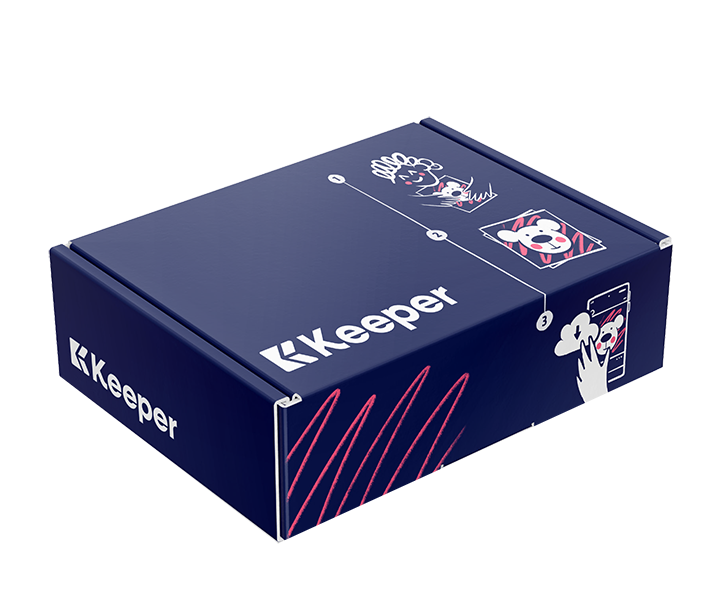
KeeperBox is a digital service & fundraiser that you provide to parents. The service simply takes their child's physical artwork & digitally photographs it. The cleaned & cropped images are automatically delivered to the parent in the KeeperBox App — who can unlock them for a modest one-time fee. Artwork is returned in the same KeeperBox it came in.
Who
Parents of your students
Parents of your students benefit from the service. They first use the physical KeeperBox to store their child's creations. Later they use the KeeperBox Service (conveniently provided at their child's school) to digitally preserve & share their child's artwork.
What a provider does
Sells boxes, scans & earns
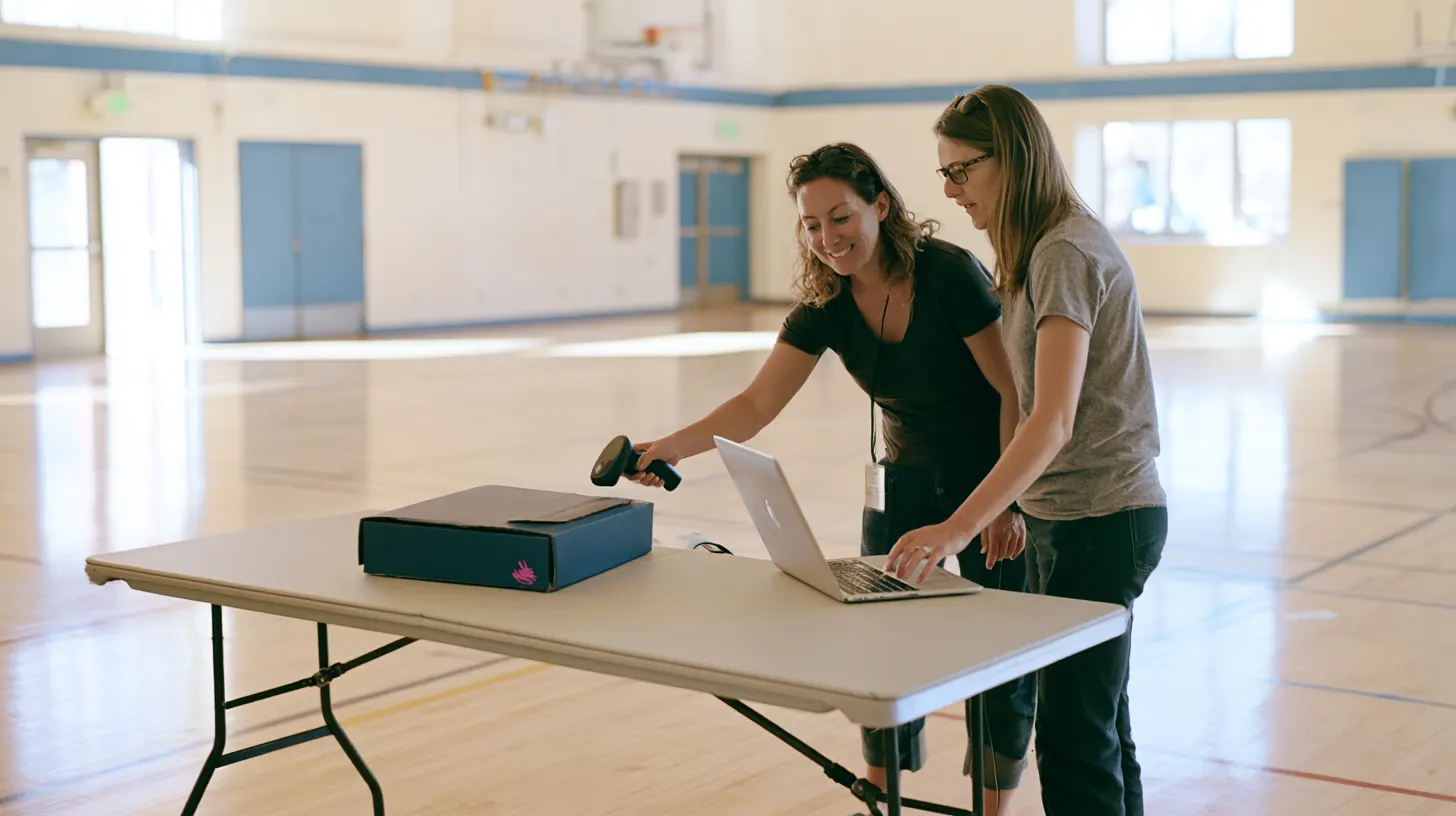
Providers — schools, studios, and organizations — sell boxes, scan the items on Collection Day, and hand them back. Your school earns income on every image a family unlocks.
Why schools join KeeperBox
Free to Join. Free to Run.
Zero upfront fees — we supply the program, you provide the space.
Ongoing fundraiser income
Your school earns with every scan — automatically, all year long.
Parents absolutely love it
Originals returned, digital scans on their phone — parents are genuinely grateful.
Simple to run
If you can use a smartphone, you can run it.
We handle the logistics
Boxes, QR codes, and the platform — you focus on the kids.
Grows with your enrollment
Start with one class or the whole school — KeeperBox scales to fit.









Getting started is easy as 1, 2, 3
Sign up for Free
Create your provider account in minutes — no fees, no commitment.
Fill out your Profile
Add your school's details and get your team set up on the platform.
Launch at your school
Parents order boxes, your team scans — income flows from day one.
Everything you need, right at your fingertips
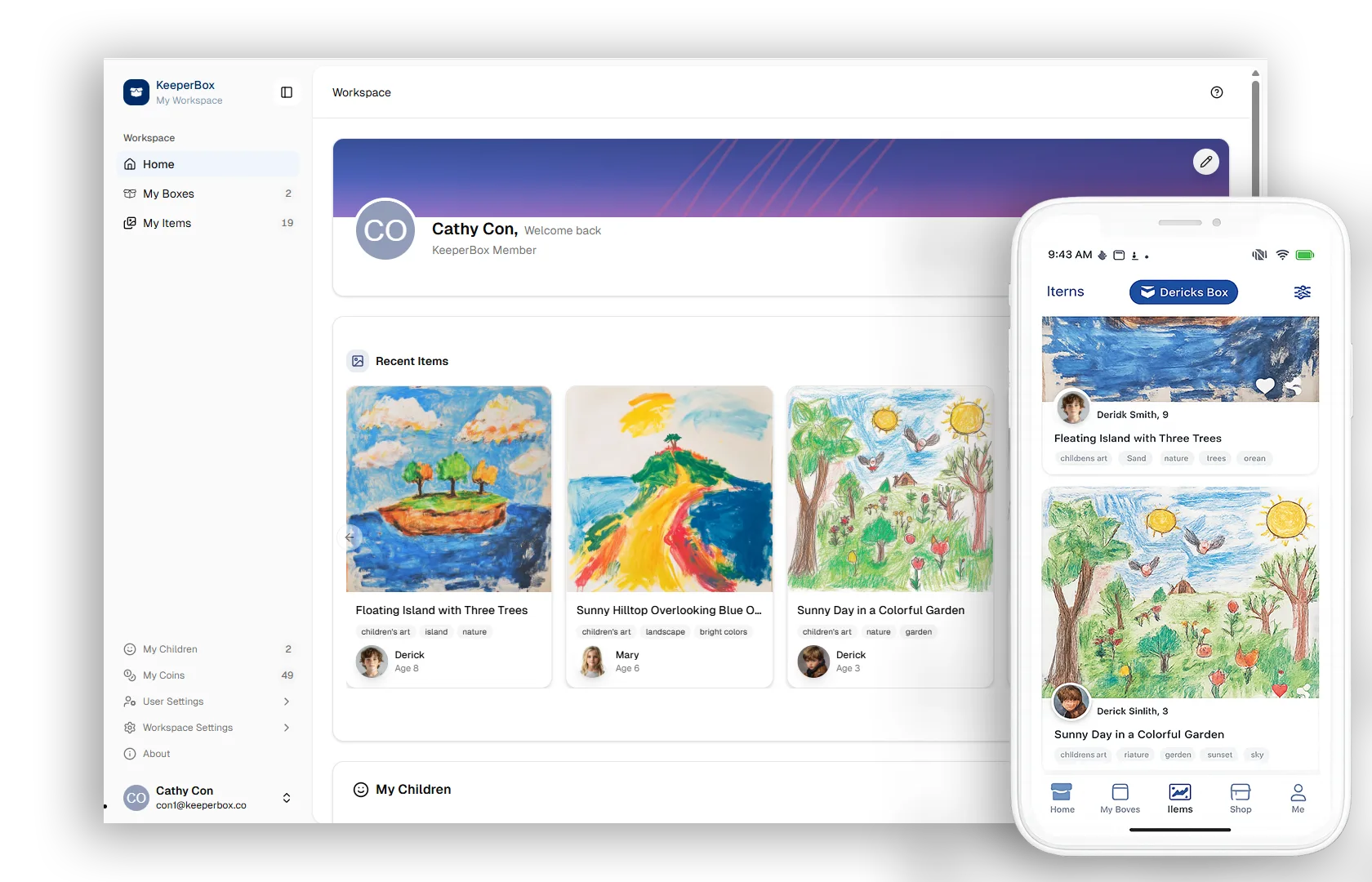
The KeeperBox Provider Web Dashboard and Provider App give your team every tool it takes to run the service — from your desktop or right from your pocket. Uploading a child's artwork is fast and easy: snap a photo, and it's on its way to the family.
Uploads in seconds
Snap a photo or scan the box code — artwork is cleaned, cropped, and delivered to the family automatically.
Track everything in real time
Every box, every scan, and your school's running balance — updated the moment it happens.
Desktop or phone — your choice
Run Collection Day from the Provider App on your phone, or manage everything from the Web Dashboard at your desk.
A fundraiser that runs itself
Unlike bake sales or one-off events, KeeperBox generates income continuously throughout the school year — every time a parent unlocks a scan of their child's artwork. No effort. Ongoing revenue.
Join TodayCommon questions
How much does it cost to join?
Nothing. There is no joining fee, no monthly fee, and no equipment cost. KeeperBox is entirely free for provider schools.
How does the school earn income?
Your school receives a portion of revenue generated by every coin unlock made by families at your school. The more engaged your families, the more your school earns.
How is children's artwork and data kept private and secure?
Images are stored securely and are never sold, shared with third parties, used in advertising, or made publicly accessible without parental consent. Only the child's own family can view their archive. See our full Privacy Policy for details.
When and how does the school receive funds?
Your balance builds automatically as families unlock scans — there's no fixed payout schedule. Request a payout anytime from your provider dashboard; funds are typically issued within 5–10 business days.
Who handles parent permissions and media releases?
No separate media release is needed. A family's artwork is only scanned because they sent in their own KeeperBox — that's the consent. Images are never made public or shared outside the family's private archive.
What equipment do we need?
Just a smartphone or tablet with the KeeperBox Scan Manager app or WebApp. That's it. (A digital camera and photo lighting can also be incorporated.)
Are there any ongoing costs for parents?
No — just a one-time fee to unlock the image. Free online cloud storage is included with every box.
Do I have to email the images to parents?
No. Just scan (or enter) the Boxcode on the side of the box & the images are automatically delivered to the owner through the cloud.
How much time does it take?
Scanning sessions typically take a few minutes per class. Most schools integrate it into their existing art or end-of-term routines.
What is a KeeperBox Collection Day?
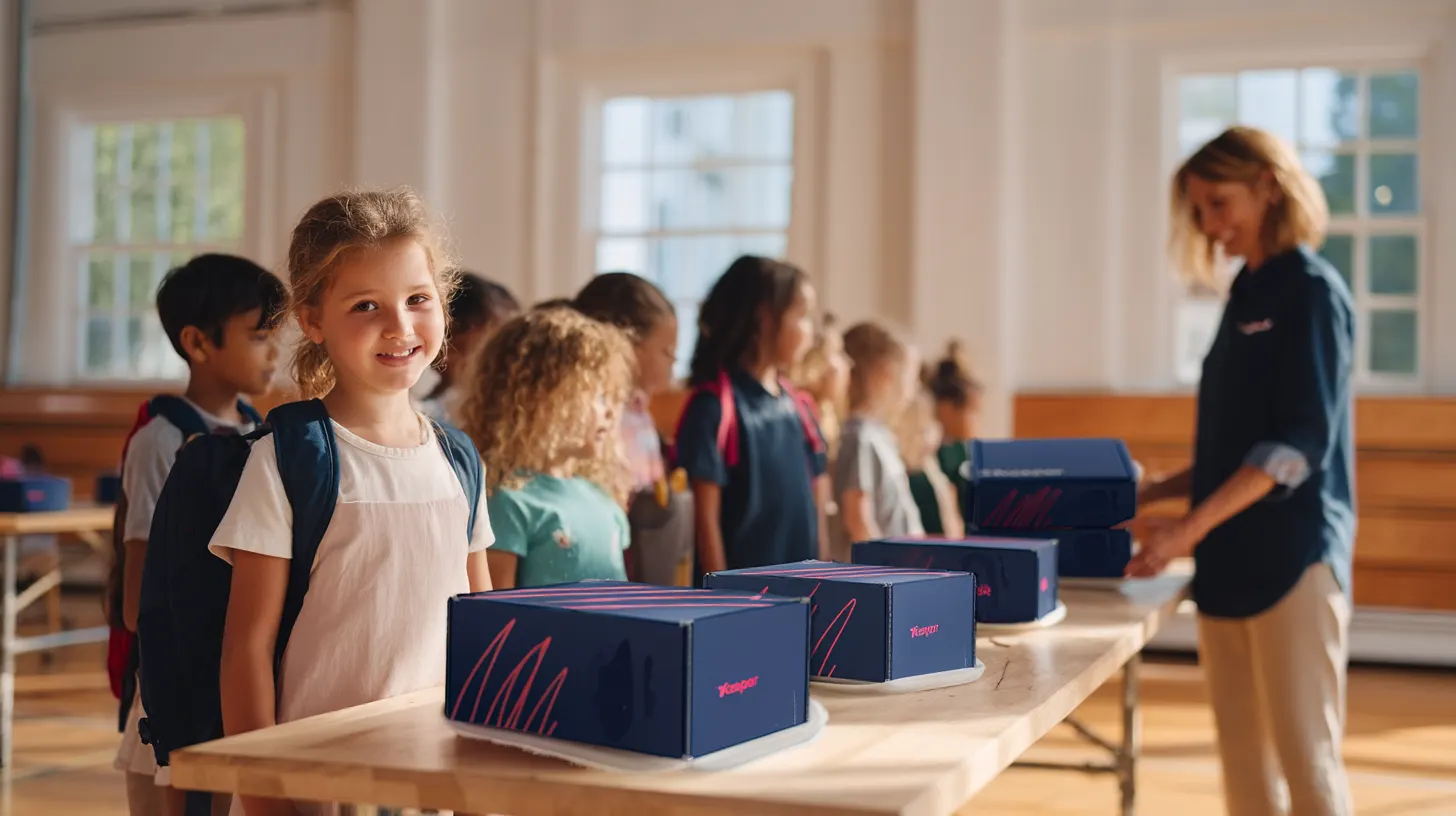
Schools typically hold a 'KeeperBox Collection Day' at the end of term (similar to 'Photo Day'). Children bring their boxes in, volunteers scan the items, and boxes are typically returned with the child (or picked up at the office) at the end of the week.
How do I get the box back to the child?
The child's name & class is typically printed on the side panel. (Scan the QR code as a provider & KeeperBox staff can send a 'Box Found' message to the owner at any point.)
What if parents don't have a KeeperBox yet?
Parents can purchase a KeeperBox from the provider and send it in with their child. We make it easy to communicate the program to your school community.
Connect to Learn More
Pick whatever works for you — a quick call, an email, or a live webinar.
Book a Call
Grab 15 minutes with the KeeperBox team. We'll answer your questions and see if it's a fit for your school — no pressure, no prep needed.
Join our Providers Newsletter
Fundraising tips, program updates, and school success stories — about once a month. No spam, unsubscribe anytime.
